Step by step
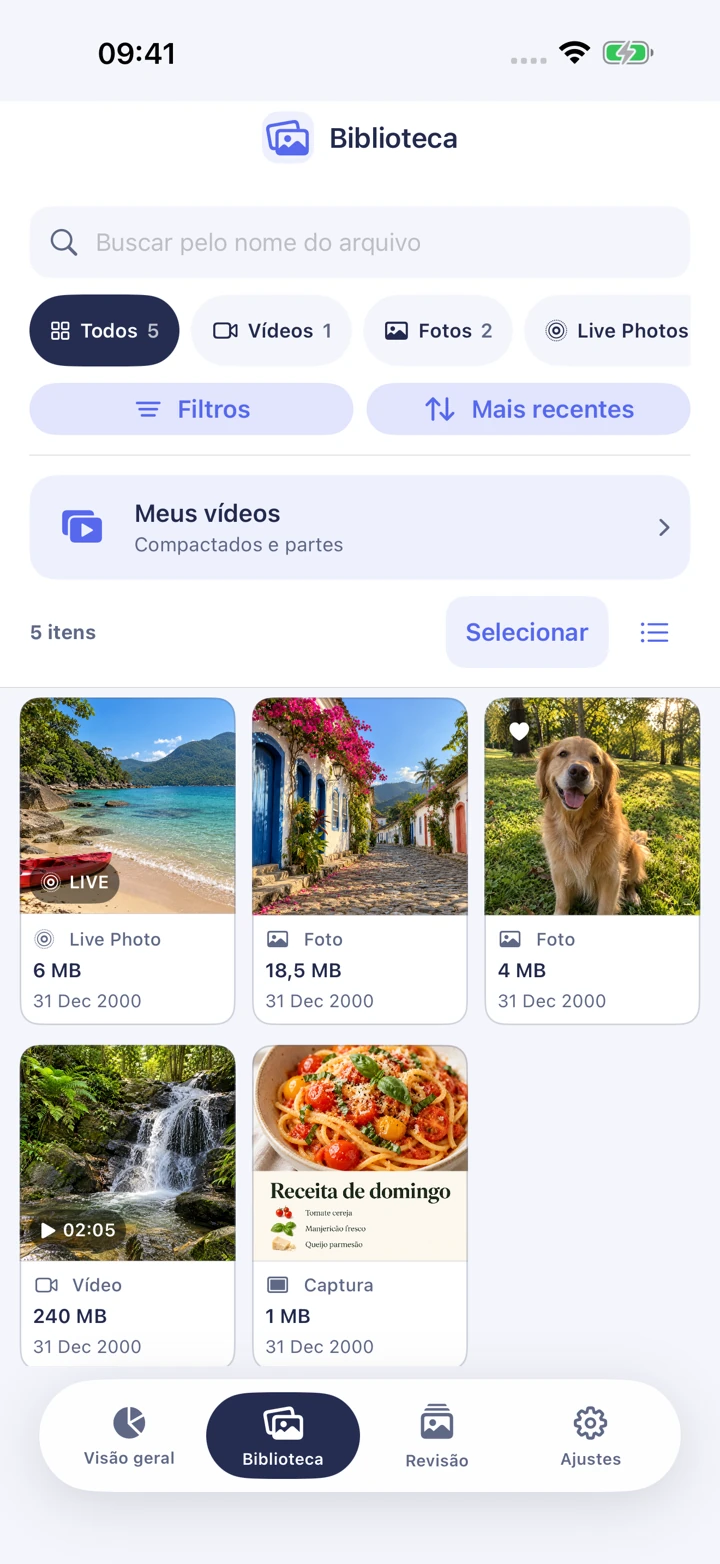
Search by file name. Combine type, date, size and availability filters.
Choose grid or list and sort by date, size, name or duration. Size uses measured files.
Tap Select to mark items, results or a range. Review the selection before deleting; bulk selection skips favorites.
Select videos for compression
Open Batch compression to choose several local videos and review their shared settings. Originals remain saved. See how to use the queue and continue after a pause.
Reference screenshots in Portuguese with demo data. The interface may vary by app version and device.
All guides