
Find, compare and choose with confidence.
Search by file name. Combine type, date, size and availability filters.
See how it works
Find photos, videos and files. Review photos with a swipe, compare video previews and compress several videos in one queue.
Version 1.0.4 is available on the App Store, including swipe photo review and batch video compression.
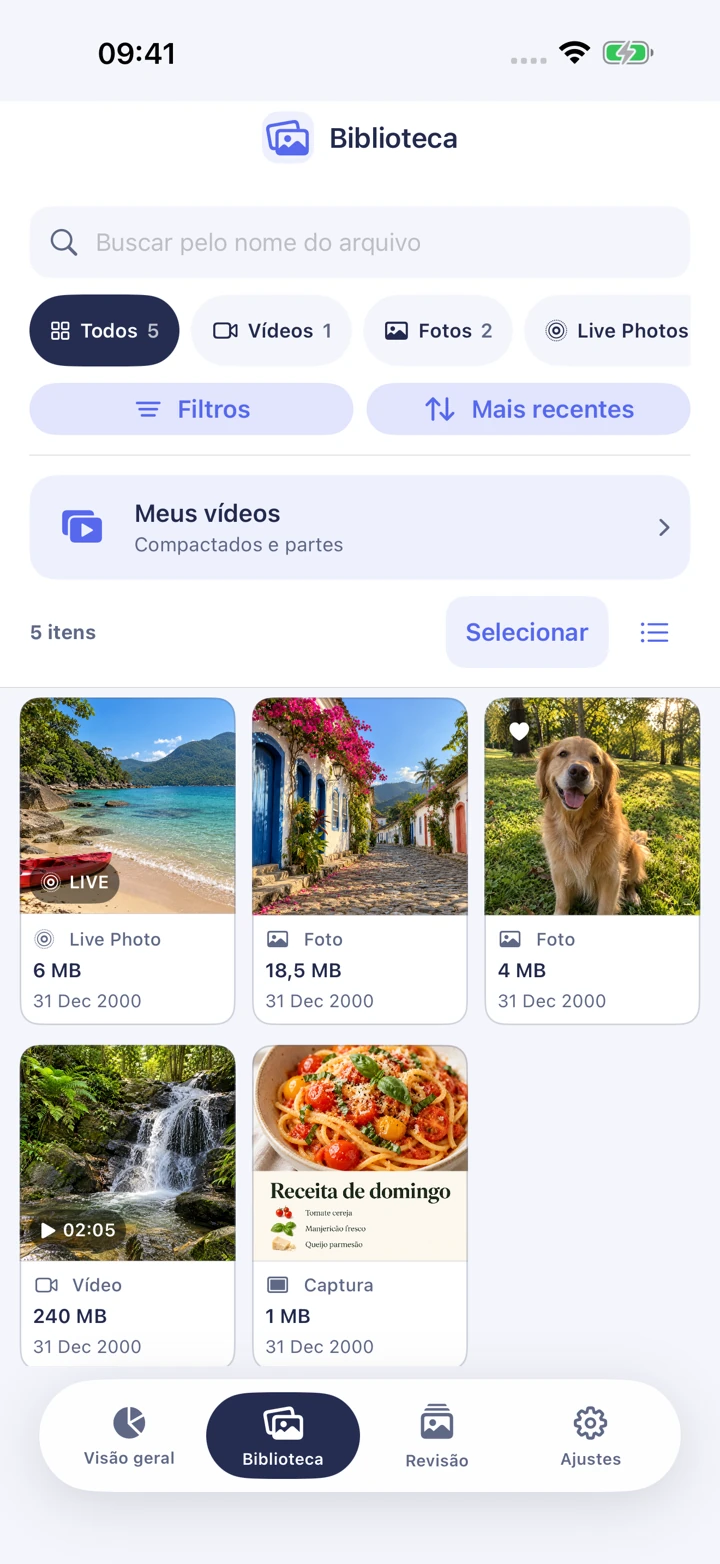
From search to review, from videos to Live Photos. Choose what to change and what to keep.
Search by file name. Combine type, date, size and availability filters.
See how it worksSwipe left to mark a photo for deletion or right to keep it. Undo a choice or double tap to favorite. Confirm before deleting.
See how it works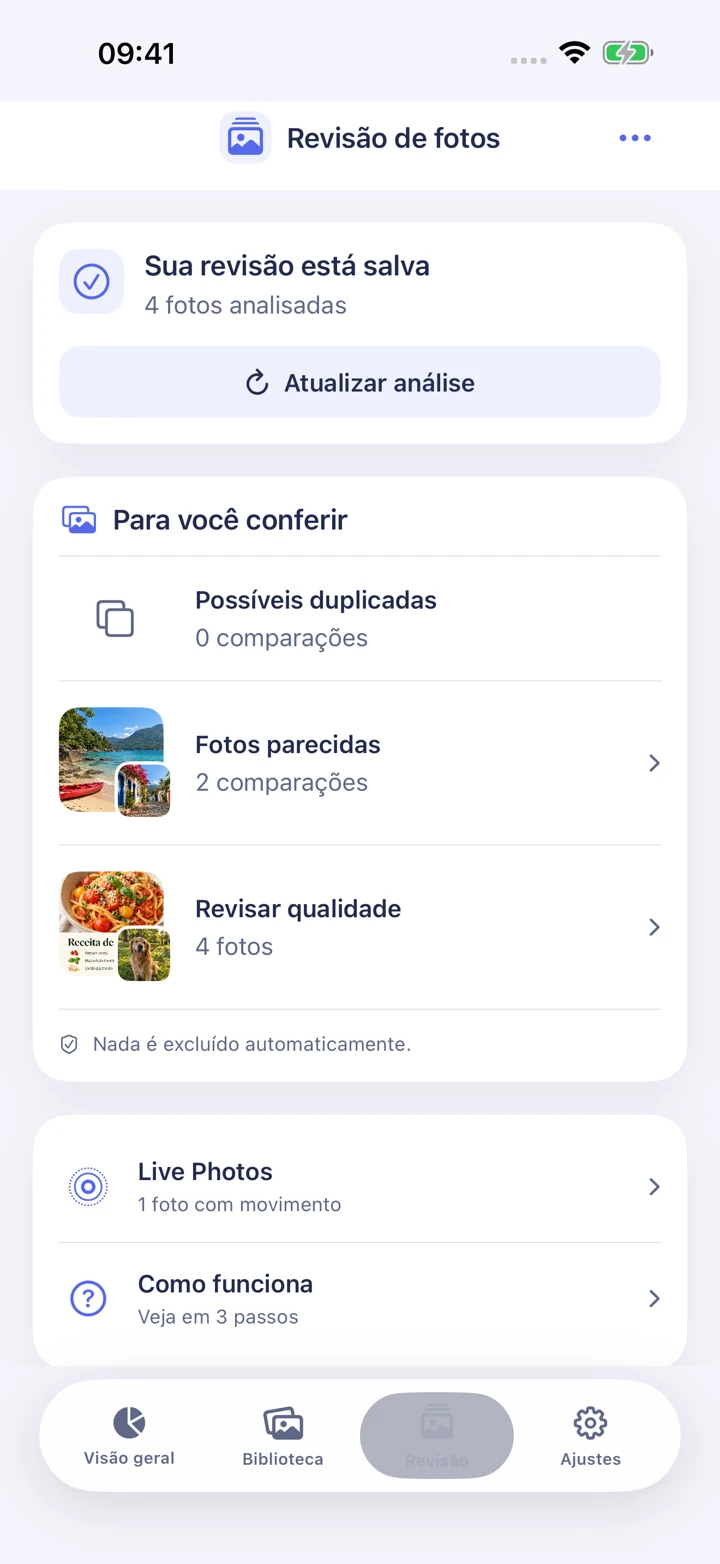
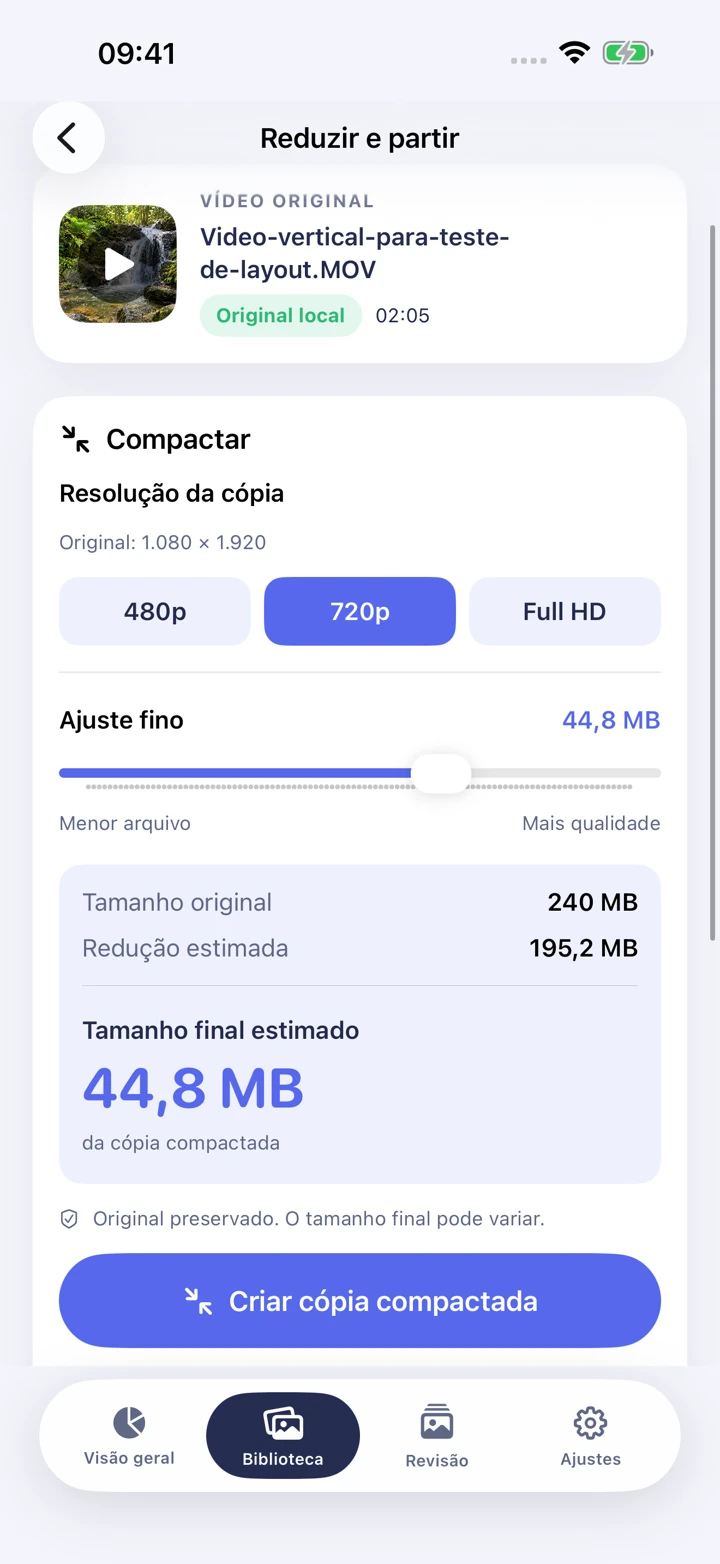
Assess potential savings on local videos and compare a test clip with zoom. Choose several videos for one compression queue; originals stay saved.
See how it worksAdd a folder from Files, check its source and find large or old files. Play supported videos and select local videos for batch compression.
See how it works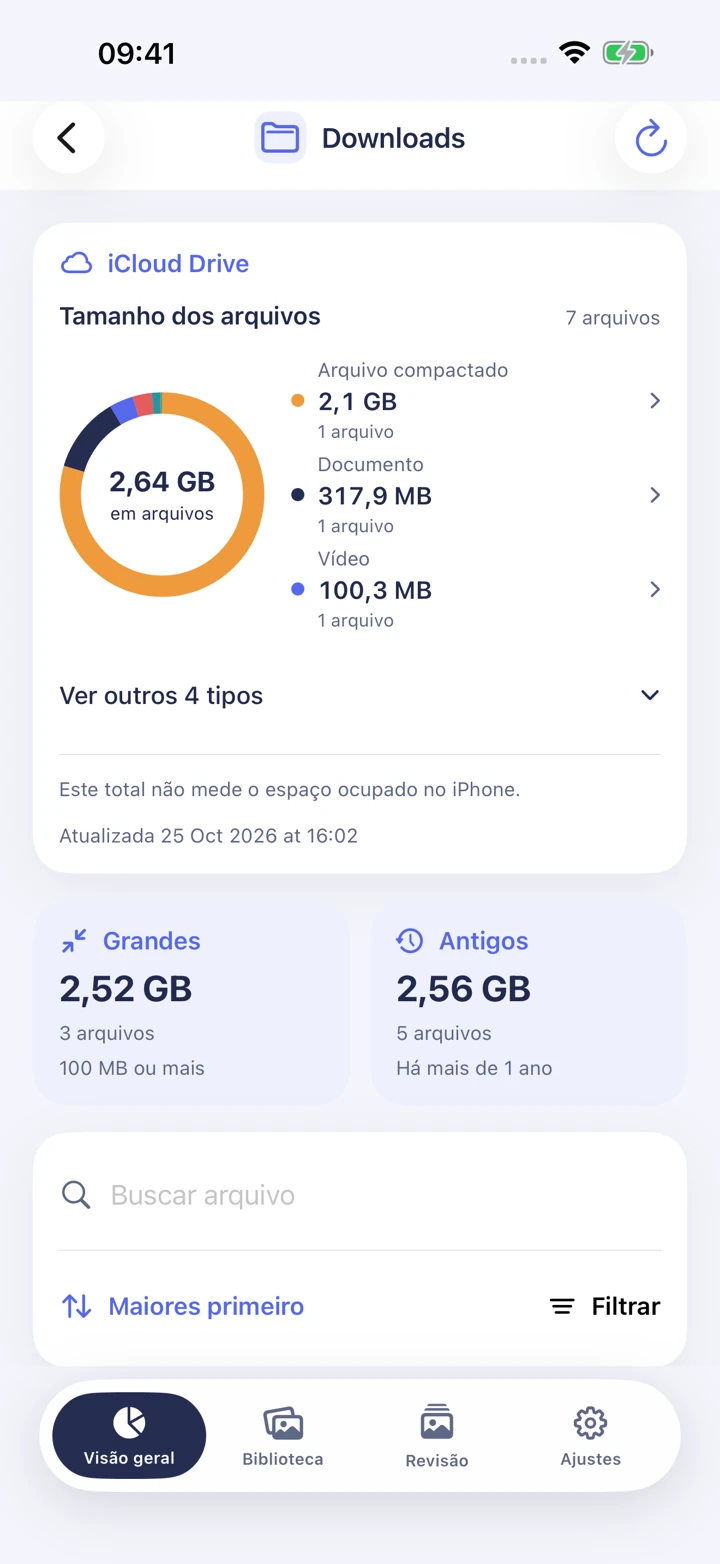
In Review, open Convert Live Photos. Use Select to choose photos or Select all.
See how it works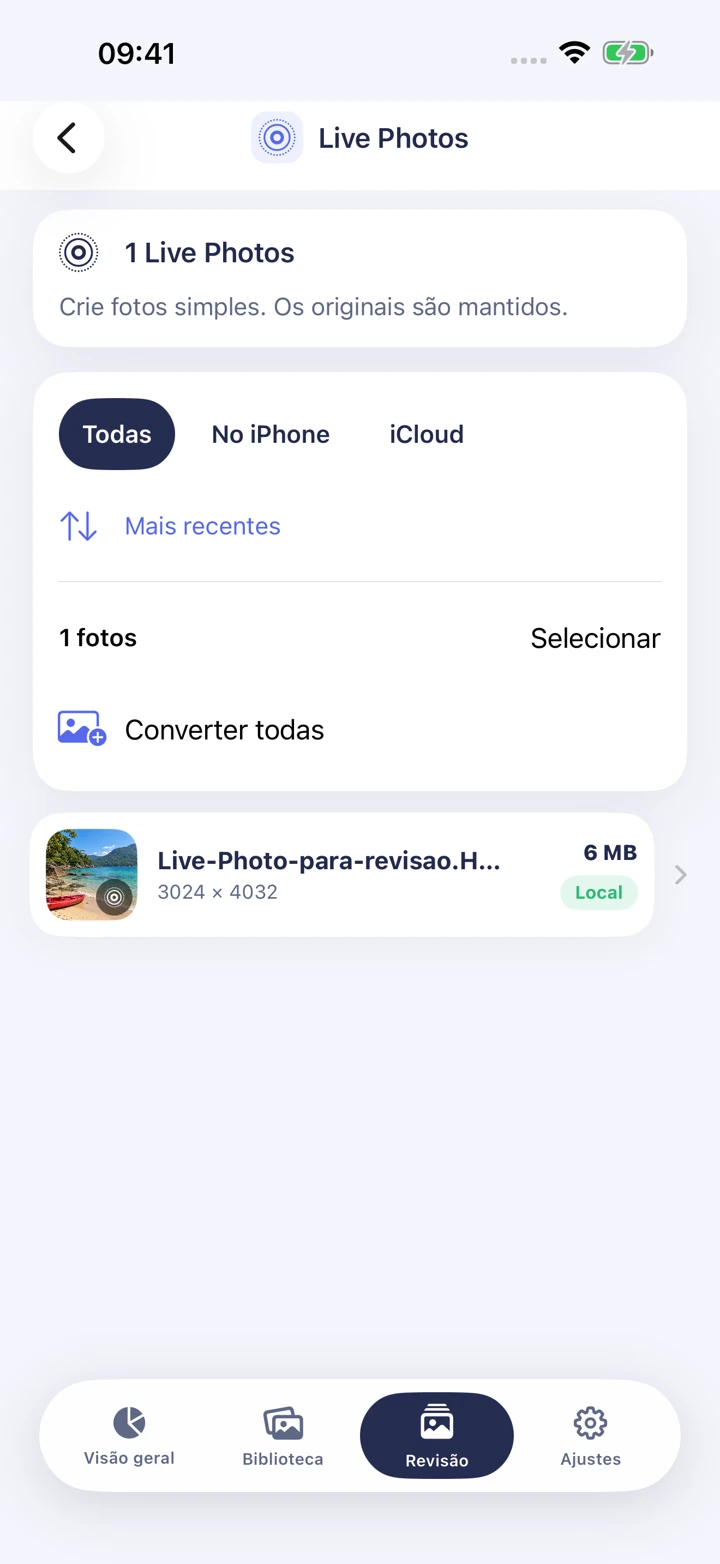
Find compressed copies and split clips in Library → My videos. New videos appear as recent in Photos by default; Settings can preserve the original date.
See how it worksReference screenshots in Portuguese with demo data. The interface may vary by app version and device.
Analysis happens on your device. Your photos are not sent to the developer’s servers. Suggestions help you compare; they don’t decide for you.
PrivacyCompression and conversion create copies. Originals stay saved and copies use additional storage. No fixed amount of freed storage is promised.
After checking the copy, decide whether to delete the original. To free its space sooner, also delete it permanently in Photos → Recently Deleted. This cannot be undone.
Try the tools with the free allowances. Pro removes these quotas. Check the offer shown in the app.
Allowances do not renew. Each compressed video uses one free compression, including in a batch. Removing folders does not restore your balance; unchanged files already analyzed are not charged again.
Your entire photo library, with more possibilities.
Prices in your App Store
Annual: automatically renewing subscription. Lifetime: one-time purchase. Apple shows the price, currency and availability before purchase.
See how it worksTell us your iPhone or iPad model, system and app version, and what happened. You can attach a diagnostic shared from the app. Don’t send personal photos, passwords or payment details.