Step by step
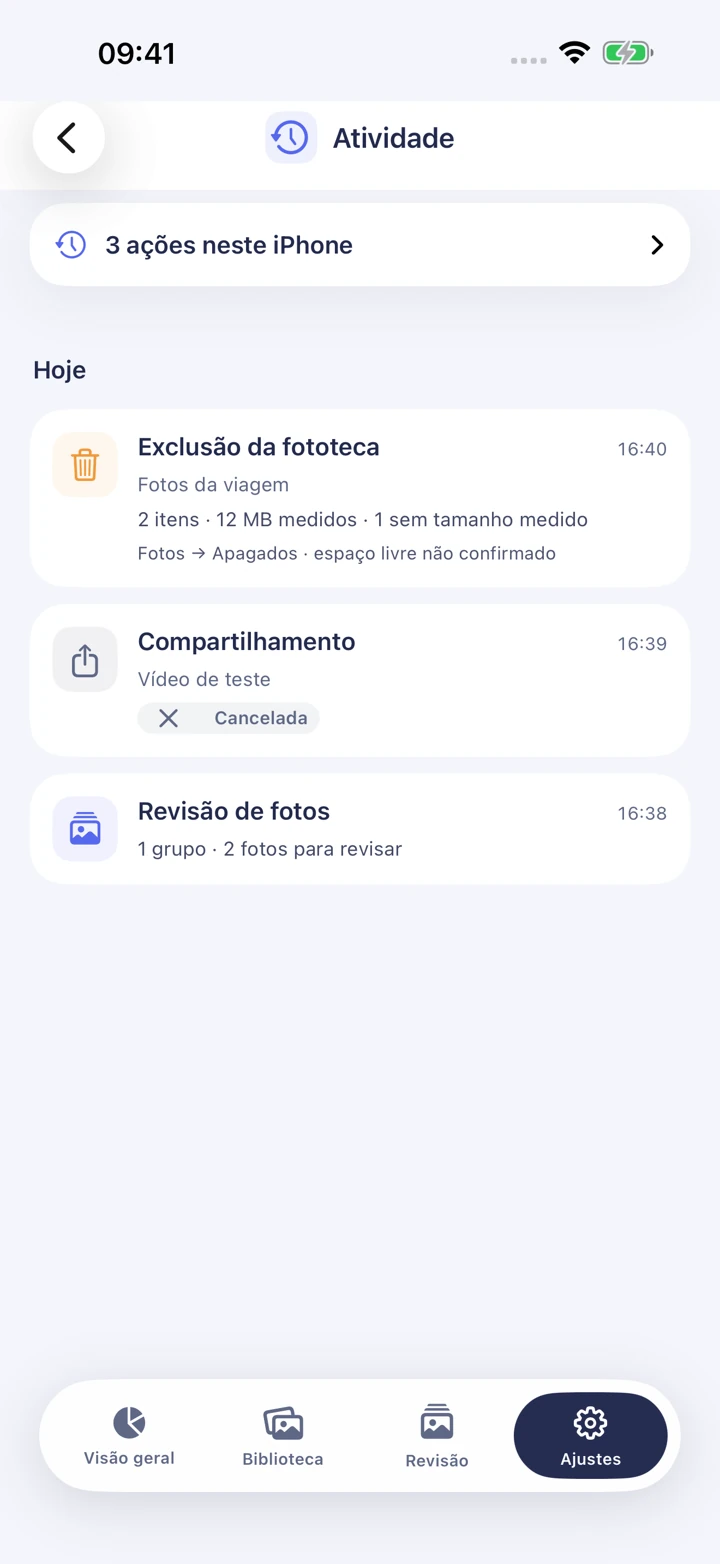
In Overview, open Activity to see up to 500 recent actions on this iPhone.
See analyses, deletions, copies, sharing, folders and purchases, with the result of each action.
To clear the log, use Settings → Clear history. This does not delete your media or purchases.
Understand warnings and ask for help
An operation completed with a warning may have saved a result that still needs checking. Open the result before retrying or deleting its original.
For analysis failures, open Items with a warning in Overview. You can retry or share a technical diagnostic with support. Sending it is your choice; the app does not automatically submit a support request.
Reference screenshots in Portuguese with demo data. The interface may vary by app version and device.
All guides