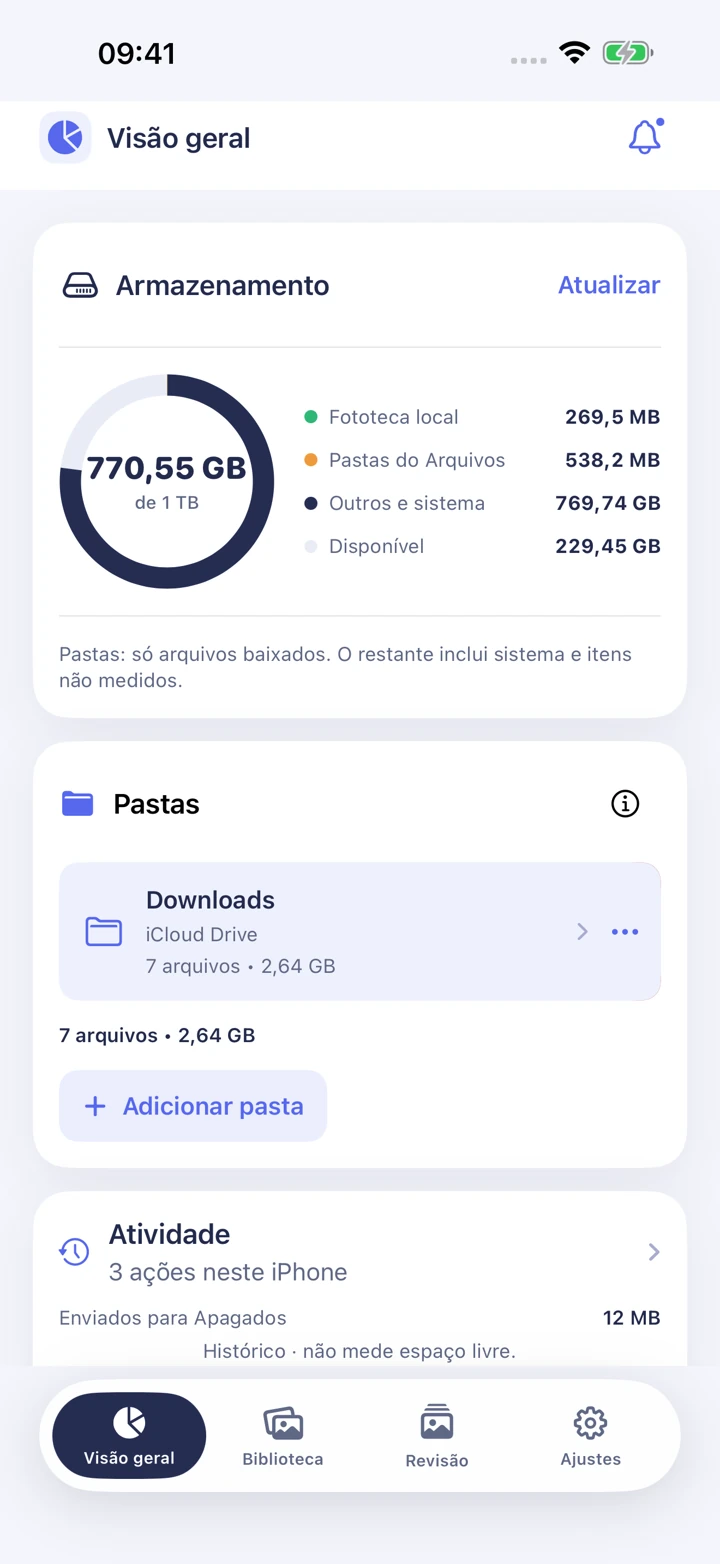
Step by step
Open StoragerAI and allow photo access. With limited access, only the items you choose appear.
Wait for the initial scan. The overview shows storage reported by iOS and measured local originals.
Open Library to find media or Review to analyze photos. You can use the results while analysis progresses.
If an item cannot be analyzed
Open Items with a warning in Overview to see what needs attention. A warning does not by itself mean the file is damaged.
Check access, available storage and whether the original opens in Photos or Files. Use Try again when ready.
If the issue continues, choose Share diagnostic and select how to send it to support@buildertech.io. The technical report excludes your photos and videos. Opening the share sheet does not send it automatically.
While the first scan runs
A large library can take longer. Size totals cover files the app has measured; a pending or failed item must not be treated as zero bytes. iCloud originals are not downloaded by the standard scan.
Reference screenshots in Portuguese with demo data. The interface may vary by app version and device.
All guides